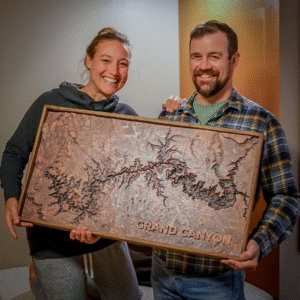
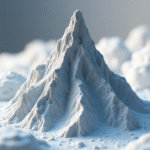
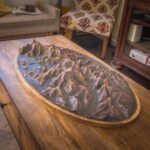
Best Large Format 3D Printers for CHEAP 2025
Quick Summary
Discover the best large format 3D printers for terrain maps and city models in 2025. We review five affordable options with build volumes from 350×350×400mm to 900×900×900mm, priced between $470-$2,000, but our favorite is the the Dowell3d DP600. Learn optimal print settings for topographic models and why larger build volumes reduce seams while preserving geographic accuracy. Perfect for hobbyists, educators, and professional map makers creating detailed terrain visualizations.
📘 Table of Contents
Why Large Format Printers Are Ideal for Maps and Terrain Models
Capture Real-World Scale and Topographic Detail
When 3D printing terrain maps or architectural cityscapes, detail and scale are everything. Large format 3D printers (typically 300x300x300 mm and above) allow creators to reproduce expansive landscapes and urban areas in a single print or fewer tiles. This reduces visible seams, increases model continuity, and maintains the integrity of elevation lines and contours. If you’re also interested in smaller build volumes, check out our Buyer’s Guide: 3D Printers for Topographic Maps for the best options under 300 x 300 mm.
Build Big Without Breaking the Bank
Budget-friendly large-format 3D printers have opened the door for creators to produce impressive terrain maps and large models without the cost of industrial-grade equipment. While high resolution is important, terrain models don’t typically require the ultra-fine precision needed for aerospace parts or mechanical prototypes.
This makes it possible to use more affordable FDM printers to achieve excellent results. The natural surfaces of topographic maps—such as hills, rivers, and elevation gradients—can be effectively printed on budget machines that offer adequate layer resolution and surface quality. In short, you can achieve highly detailed and visually impactful prints for a fraction of the cost, making large-scale 3D printing accessible to educators, hobbyists, GIS professionals, and makers alike.
Perfect for Terrain, Topo Maps, and Cityscapes
Whether you’re printing a topographic map from USGS data, a fictional D&D world, or a detailed 3D model of a city skyline, a large build area helps you maintain geographic accuracy and spatial proportion. Complex terrain features like ridgelines, elevation gradients, and urban density are better represented at a larger scale.
More Space, Fewer Splits
One of the biggest frustrations when 3D printing terrain maps on standard-sized printers is the need to split models into multiple small tiles. While tiling is a common solution, it comes with drawbacks—especially when working with topographic models. The natural world rarely conforms to straight lines, which makes aligning and disguising seams between tiles both tedious and time-consuming. This can negatively impact the visual continuity of the final map, particularly in areas with complex elevation changes or organic terrain features.
For makers selling 3D printed terrain maps or cityscapes, efficiency is key. The business of 3D printing often comes down to speed and repetition. Every additional hour spent gluing, aligning, and finishing tiles is time lost—directly cutting into your profitability. A large format 3D printer helps eliminate this bottleneck by enabling you to print entire sections in one pass, improving both turnaround time and overall quality.
💡 Pro Tip: Follow these tutorials to make your own
Ready to create your own terrain models? Check out our guide How to 3D Print Terrain: 3 Great Tutorials to learn step-by-step methods for bringing landscapes to life.
Key Features to Look for in Terrain-Focused Large Format Printers
Minimum Build Volume for Real-World Scale
When printing large-scale terrain maps or 3D cityscapes, your printer’s build volume is a hard limit on what you can produce in a single job. For serious terrain work, look for machines with at least a 300 x 300 x 300 mm build area. This allows you to print large regions or architectural blocks with fewer splits, better elevation continuity, and a cleaner final product.
Automatic Restart After Power Loss or Interruption
Large-format terrain prints often take 24 to 72 hours to complete. A single power outage, filament jam, or accidental unplug can ruin an entire print—wasting time, filament, and money. Look for a 3D printer with an automatic resume feature that can pick up right where it left off after a power failure or pause. This function is a must-have for anyone printing multi-day terrain models or operating in environments where interruptions are a risk.
Filament Handling for Long, Uninterrupted Prints
Because terrain models tend to be large and dense, your printer needs to be able to handle extended print durations without constant supervision. Smooth filament feeding, support for larger spools, and reliable extruders all contribute to uninterrupted, high-quality results. Printers with filament run-out sensors can also prevent failed prints by pausing automatically if filament runs out mid-job.
Best Large-Format 3D Printers
Elegoo Neptune 4 Max
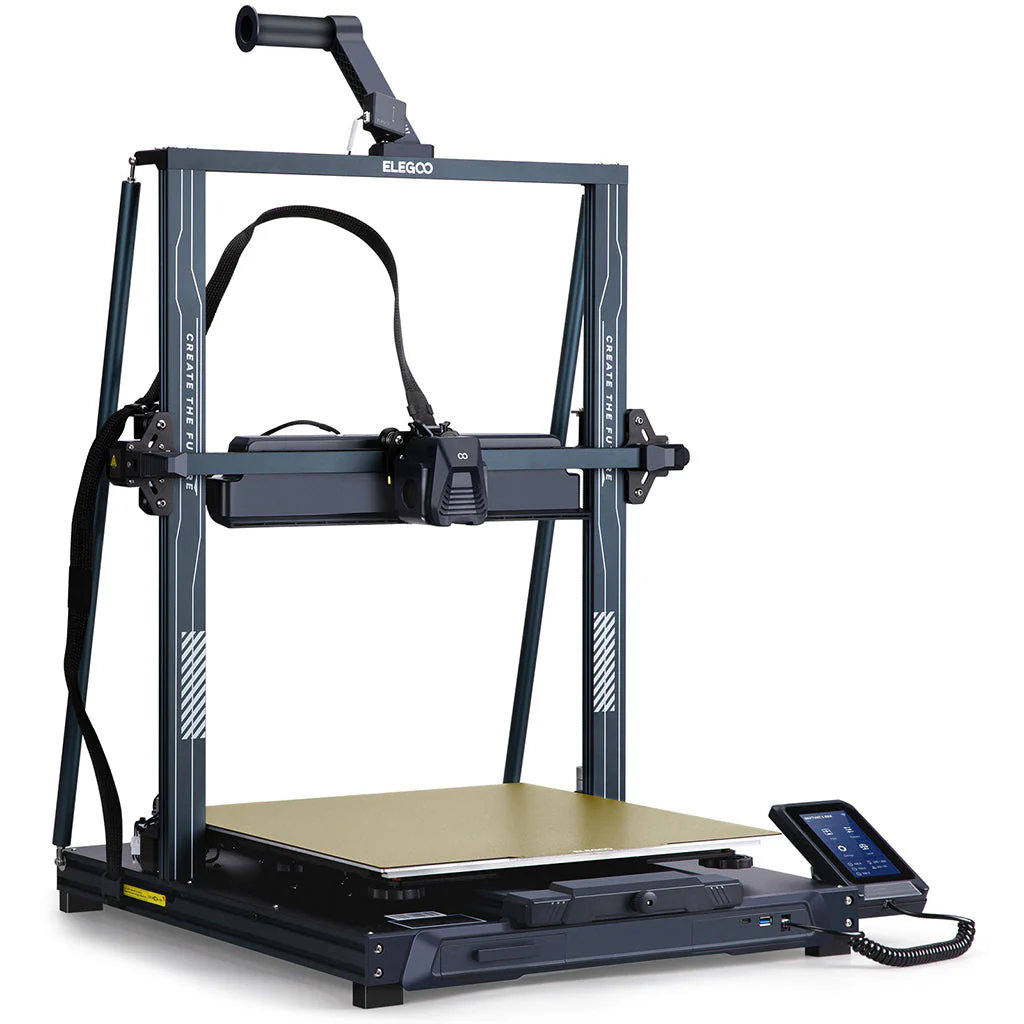
- Build Volume: 420 x 420 x 480 mm
- Price: ~$470 USD
Why It’s Great: The Neptune 4 Max delivers incredible value at a low price point. With fast print speeds and a reliable direct drive system, it’s perfect for printing large PLA or PETG terrain tiles with minimal fuss.
Budget: ★★★★☆
Size: ★★★★☆
Reliability: ★★★★☆
🔗 Buy the Elegoo Neptune 4 Max here →
Dowell3D DP600 (Custom Orders Available)
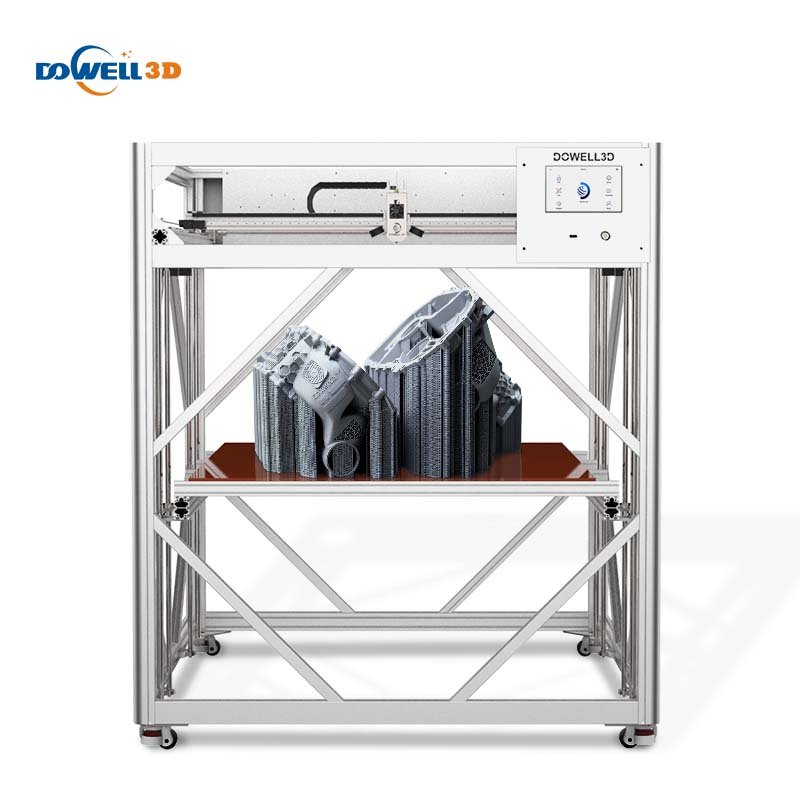
- Build Volume: 600 x 600 x 600 mm (or request 600 x 600 x 300 mm)
- Price: ~$1,500–$2,000 USD
Why It’s Great: Dowell3D offers custom-built printers tailored to your needs. For terrain printing, you can request a reduced Z-height (like 300 mm) to save cost and space without sacrificing print area. A smart option for professionals or educators printing wide, shallow models.
Budget: ★★★☆☆
Size: ★★★★★
Reliability: ★★★★☆
🔗 Request a quote or order the DP600 from Dowell3D →
Dowell3D DP900+
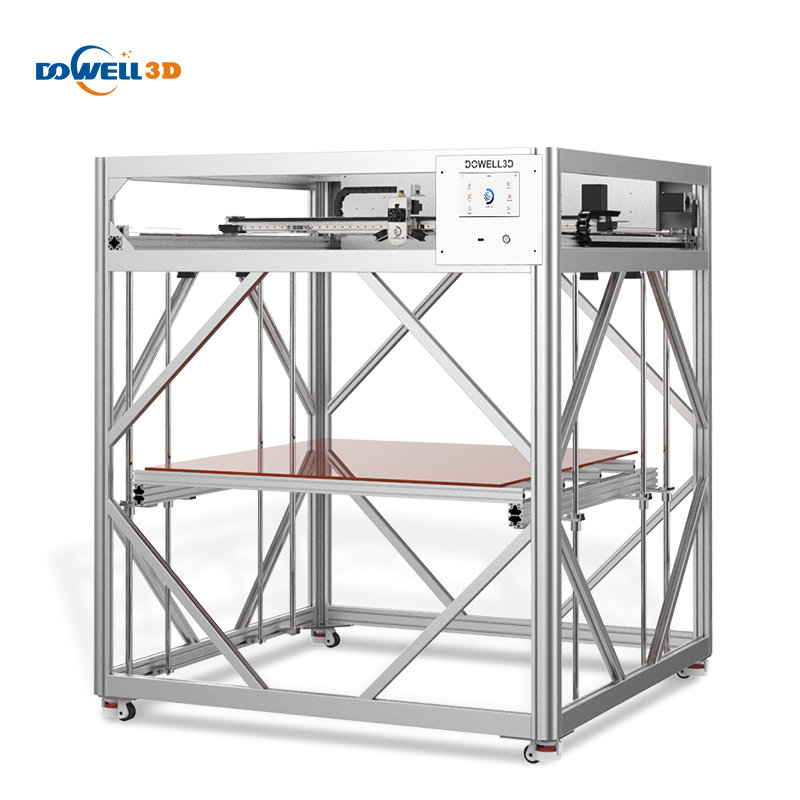
- Build Volume: 900 x 900 x 900 mm
- Price: ~$3,000–$4,000 USD
Why It’s Great: For creators producing large-scale terrain maps in a single run, this is one of the most affordable ultra-large format printers available. Great for commercial use or batch production.
Budget: ★★☆☆☆
Size: ★★★★★
Reliability: ★★★★☆
🔗 Explore the DP900+ and custom options →
Creality Ender 5 Max
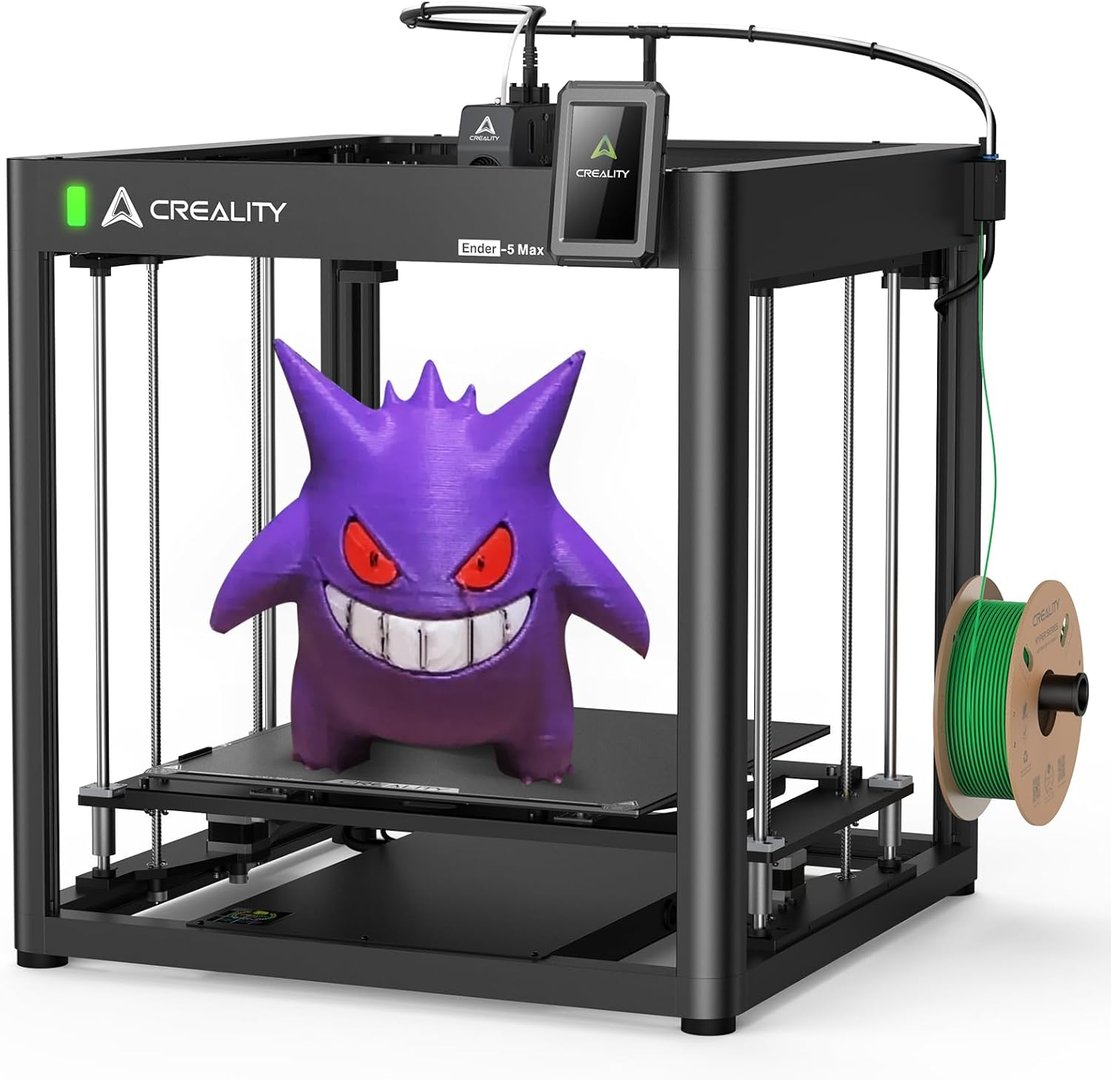
- Build Volume: 350 x 350 x 400 mm
- Price: ~$580 USD
Why It’s Great: A tried-and-true platform with strong community support. Ideal for medium-sized terrain maps or tiling out larger ones. Easy to upgrade and widely available.
Budget: ★★★★☆
Size: ★★★☆☆
Reliability: ★★★★☆
🔗 Shop the Ender 5 Max on Amazon →
Anycubic Kobra 3 Max
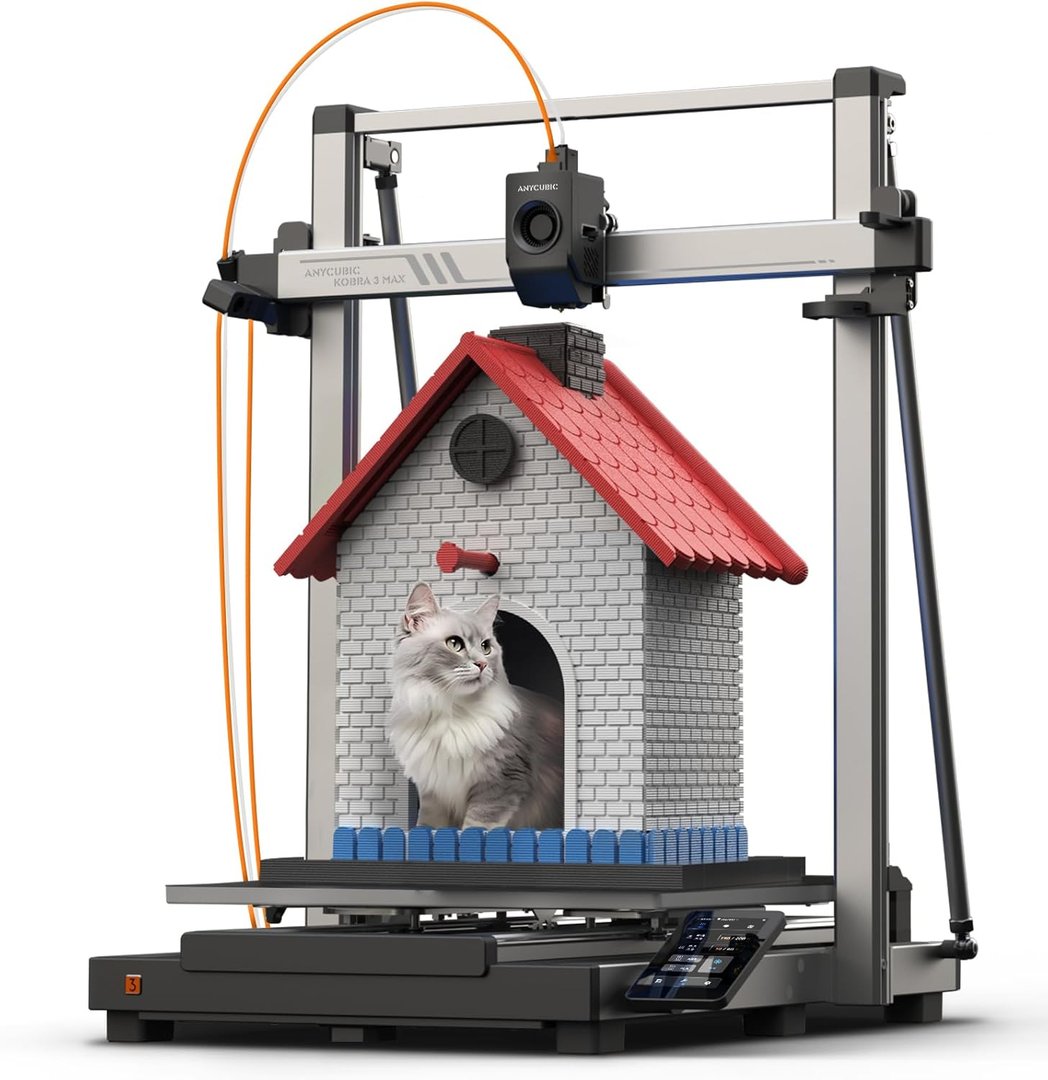
- Build Volume: 420 x 420 x 500 mm
- Price: ~$550 USD
Why It’s Great: The Kobra 3 Max is a well-rounded choice for map makers. With auto-bed leveling and a stable design, it’s a solid entry into large-format terrain printing.
Budget: ★★★★☆
Size: ★★★★☆
Reliability: ★★★★☆
🔗 Get the Kobra 3 Max at the best price →
| Printer | Build Volume (mm) | Price (USD) | Best For |
|---|---|---|---|
| Elegoo Neptune 4 Max | 420 x 420 x 480 | ~$470 | Budget-conscious makers, beginners to large format |
| Dowell3D DP600 | 600 x 600 x 600 | ~$1,500-$2,000 | Professionals, educators, serious hobbyists |
| Dowell3D DP900+ | 900 x 900 x 900 | ~$3,000-$4,000 | Commercial production, ultra-large landscapes |
| Creality Ender 5 Plus | 350 x 350 x 400 | ~$580 | Reliable medium-format printing, easy upgrades |
| Anycubic Kobra Max | 420 x 420 x 500 | ~$550 | Balanced features, ease of use, auto-leveling |
Recommended 3D Printer Settings for Terrain & Map Printing
To get the best results when printing large-format terrain, elevation maps, or cityscapes, it’s crucial to fine-tune your slicer settings for speed, surface quality, and structural efficiency. Here are the recommended settings and techniques used by professional terrain printers:
Print Without Bottom Layers
Since terrain models are viewed from the top and rarely flipped, you can safely print without bottom layers. This reduces print time significantly and conserves filament — especially helpful when mass-producing tiles for resale.
Use 0.2–0.3 mm Layer Height
Higher layer heights (like 0.28 mm) still capture smooth terrain contours while cutting down on print time. Fine detail isn’t as critical for maps as it is for mechanical parts, so printing faster makes more sense.
Enable Adaptive Layer Height (if available)
This setting automatically uses thinner layers on steep terrain slopes and thicker ones on flat areas, optimizing print time without sacrificing visual quality.
Wall Line Count: 2–3
Two or three wall lines provide sufficient perimeter strength without wasting filament. Avoid going higher unless needed for structural reasons.
Infill Density: 5–10%
Most terrain models don’t need heavy infill. 5–10% is plenty to support the outer shell while keeping prints light and fast. Use gyroid or grid patterns for efficient strength.
Disable Supports (Unless Overhangs Exist)
Most well-prepared terrain and city models won’t need support structures. Turn off supports to reduce material waste and cleanup time.
Slow Down for Steep Slopes or Small Details
If your terrain includes vertical cliffs, deep canyons, or detailed architecture, slow your print speed slightly (e.g. 40–50 mm/s) in those zones to avoid layer shifts or poor adhesion.
Enable Print Resume on Power Loss
Always enable your printer’s resume-on-failure or resume-on-power-loss feature. Terrain models can take 1–3 days to print, so interruptions are costly without this setting.
Z-Hop on Travel (Optional)
Helps avoid dragging across sharp terrain peaks or tall features in city models, which can cause surface scarring.
First Layer Height: 0.2–0.3 mm
A slightly thicker first layer ensures good bed adhesion, especially for large flat terrain prints that take up most of the bed area.
Got tips, questions, or stories about printing big terrain or city models? Drop a comment below — we’d love to hear what’s worked for you or help you troubleshoot. Let’s chat and make 3D terrain printing easier for everyone!