




Description
About This Model
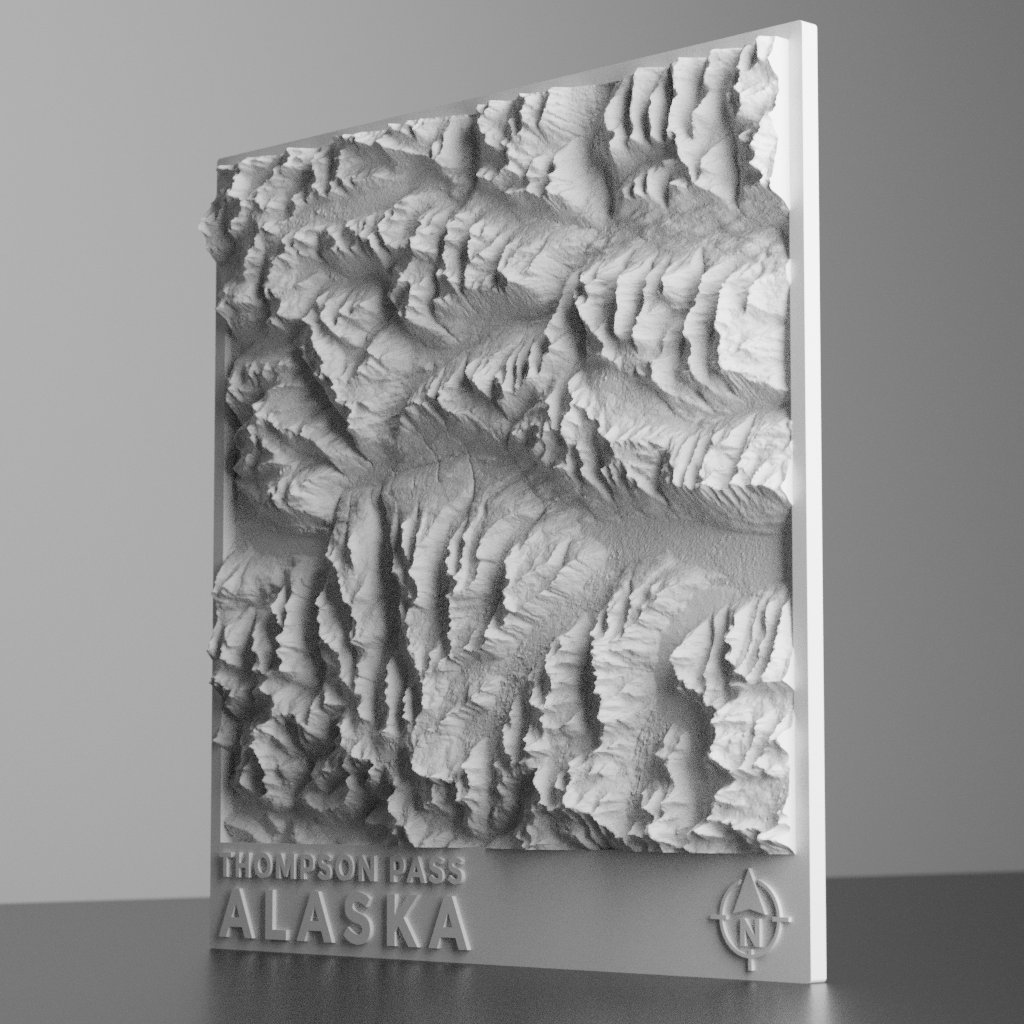
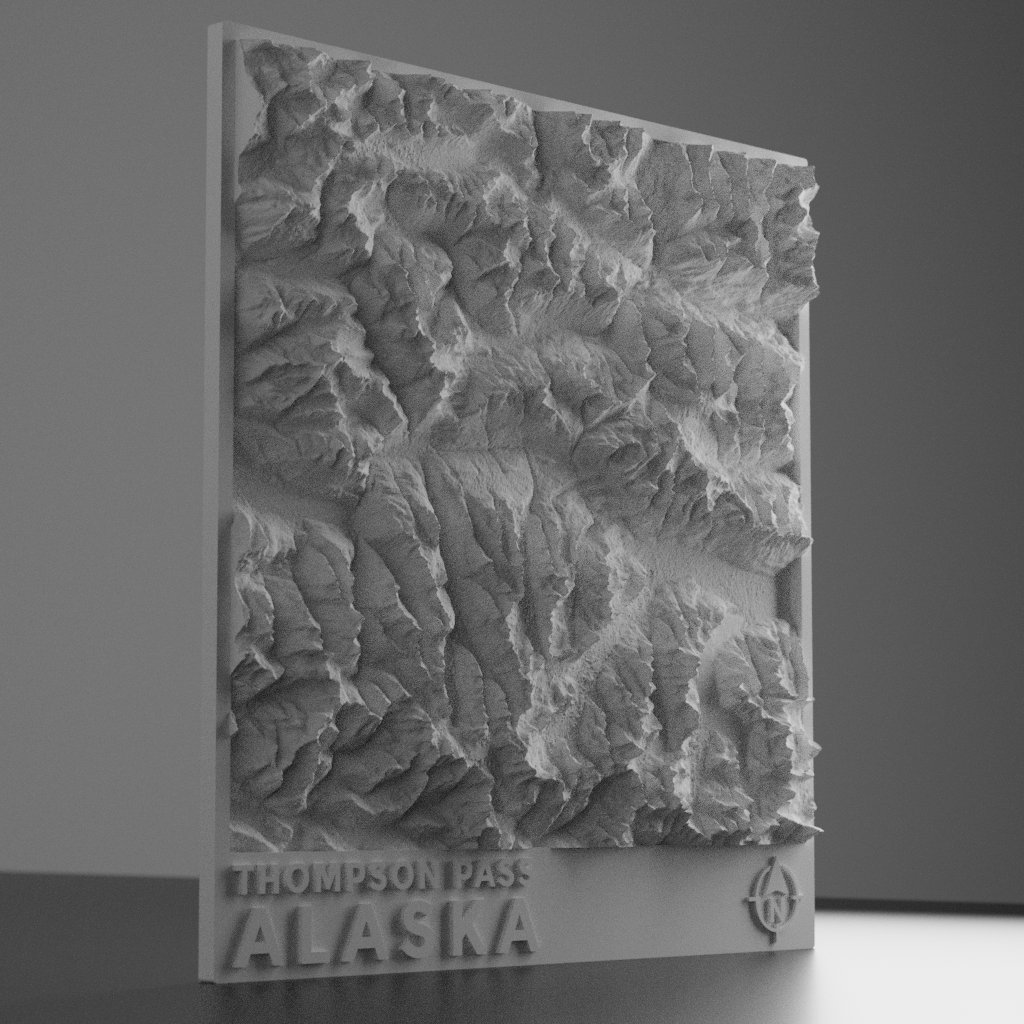
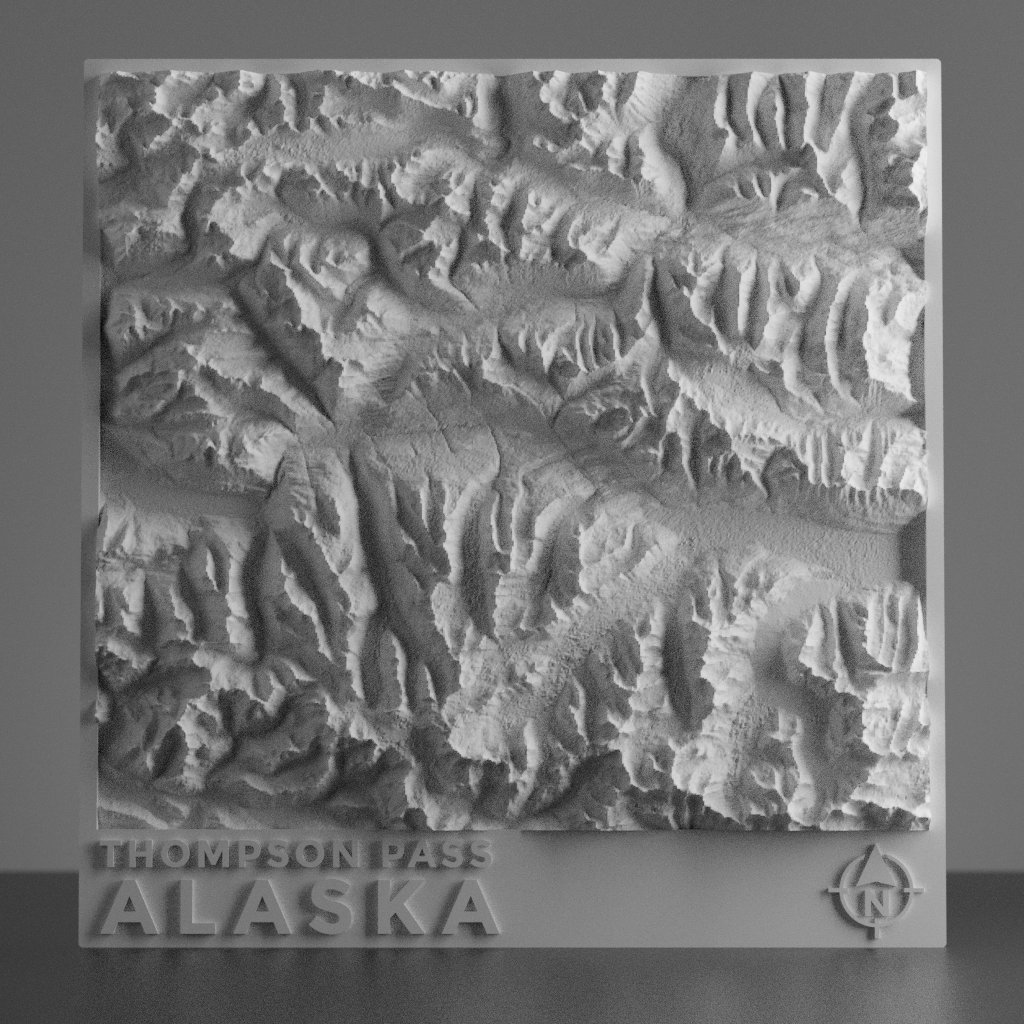
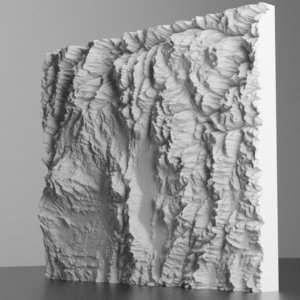
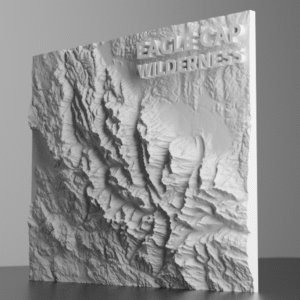
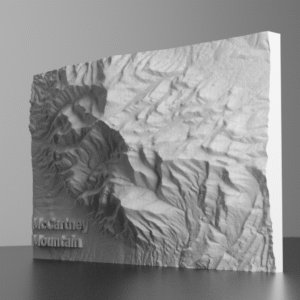
Known for deep snow and steep terrain, Thompson Pass is Alaska’s legendary backcountry playground—and now you can bring it to life in 3D. This STL model captures the rugged mountains and sweeping valleys that surround the pass, all based on high-resolution elevation data. Whether you’re a skier chasing powder lines, a snowmobiler exploring big country, or someone who just loves remote Alaskan terrain, this model offers a detailed and realistic view of the mountains around one of the snowiest places in the state.
- Real-world elevation data converted to printable terrain
- Based on the National Elevation Dataset (NED) – USGS (more info here)
- Highly detailed and scalable to fit most printer sizes
- Optimized for printing in PLA
- Great for gifts, school projects, map collections, or geospatial art
Location: Thompson Pass, Alaska, USA/div>
Recommended Print Settings
- Layer Height: 0.1 – 0.2 mm for fine detail
- Infill: 5–15% depending on weight preference
- Supports: Not required for most terrain models
- Shells/Perimeters: 2–3 for strength and quality
- Bed Adhesion: Use a brim if print tends to warp
- Material: PLA
- Print Speed: 40–60 mm/s for best surface finish
3D Printing Terrain: Tips for Best Results
3D printing terrain models brings digital elevation data into the physical world with high accuracy and impressive detail. When printing topographic maps, it’s important to use precise settings that retain the intricate features of the landscape.
- Choose the right material: PLA is ideal for 3D printing terrain due to its ease of use, stable printing properties, and smooth finish. It’s perfect for models with fine details, like mountain ridges and valleys.
- Layer Height and Detail: To preserve the subtle variations in topography, use a fine layer height (0.1–0.2 mm). This ensures that elevation changes are sharp and distinct, maintaining a realistic look.
- Infill and Strength: A low infill percentage (5-15%) is recommended for terrain models to keep the structure lightweight. Consider increasing the infill if you plan to display the model in public or handle it frequently.
- Scaling and Printing Orientation: Experiment with scaling the Z-axis to exaggerate the terrain features. This technique can help bring out the dramatic nature of the topography, especially on large-scale models.
- Post-Processing: After printing, sand and paint the model for a realistic, natural appearance. Consider using earthy tones or dry brushing techniques to highlight ridges, valleys, and plateaus.
- Decrease Print Time: To drastically decrease overall print time, print 3D topographic models without a bottom layer. If desired, you can then glue the 3D print to a backer board of your choice.
By following these tips for 3D terrain printing, you’ll achieve a stunning and durable topographic model that captures the essence of any landscape. Whether you’re printing a local park, mountain range, or famous landmark like the Grand Canyon, attention to detail and good print settings will result in a standout 3D printed map.





Reviews
There are no reviews yet.